
ICT
Updated ULCN login screen for university systems
From Monday 17 August at approx. 17.00, staff and students will begin to see a new login screen when signing into an increasing number of university applications.
Leiden University is moving towards a more uniform login experience. As a result, the familiar blue ULCN login screen will gradually be replaced by the Microsoft login screen, which is already used for many university services.
What is changing?
- More applications and online services will use the Microsoft login screen.
- On this screen you must enter your user name + @vuw.leidenuniv.nl. In other words, username@vuw.leidenuniv.nl
- The Microsoft login screen will have Leiden University branding showing a photo of the Academy Building and university flag.
- Useful links like how to re-set your password will be easier to find.
What will it look like?
-
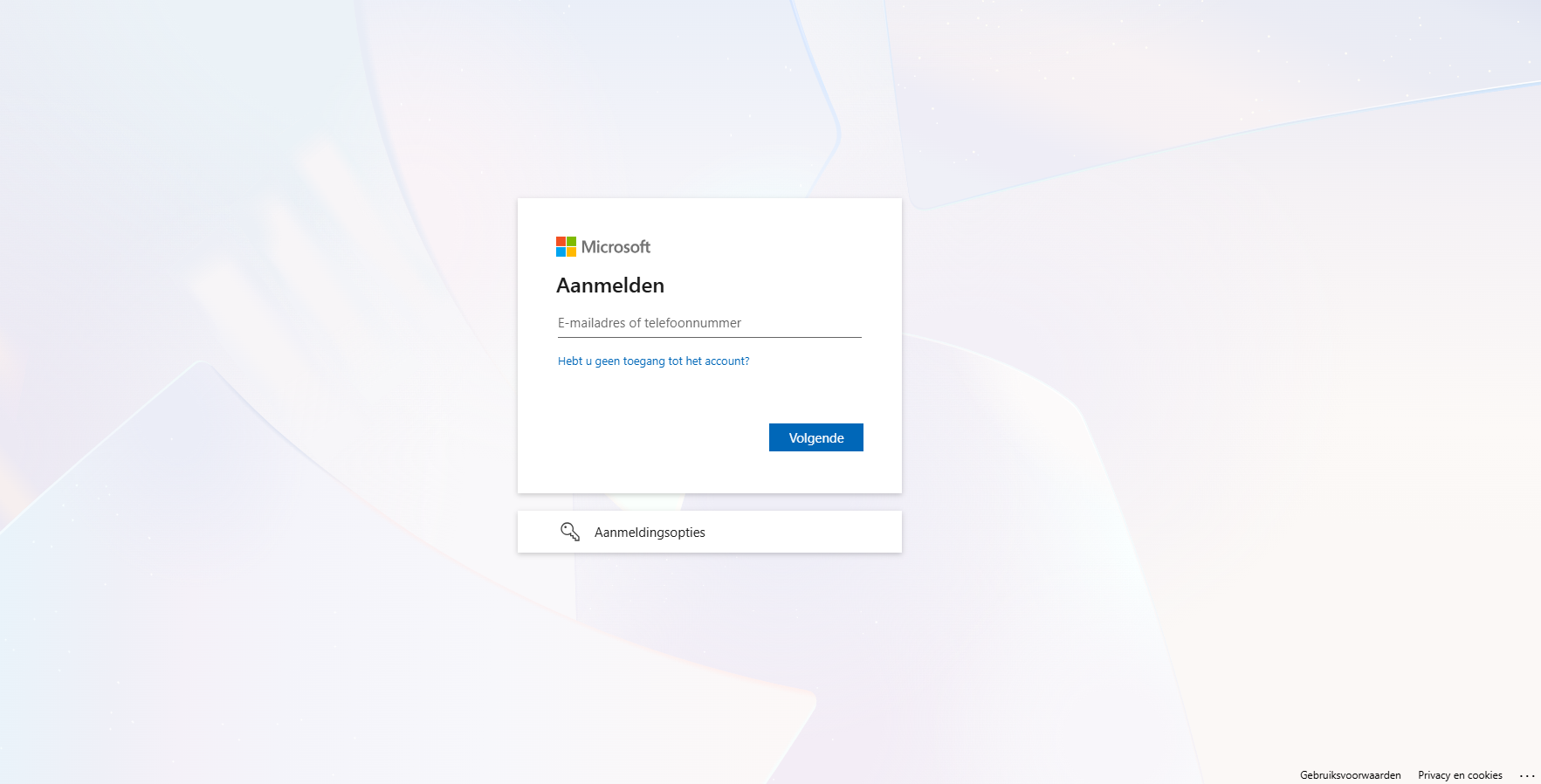
On this screen, enter: username@vuw.leidenuniv.nl -
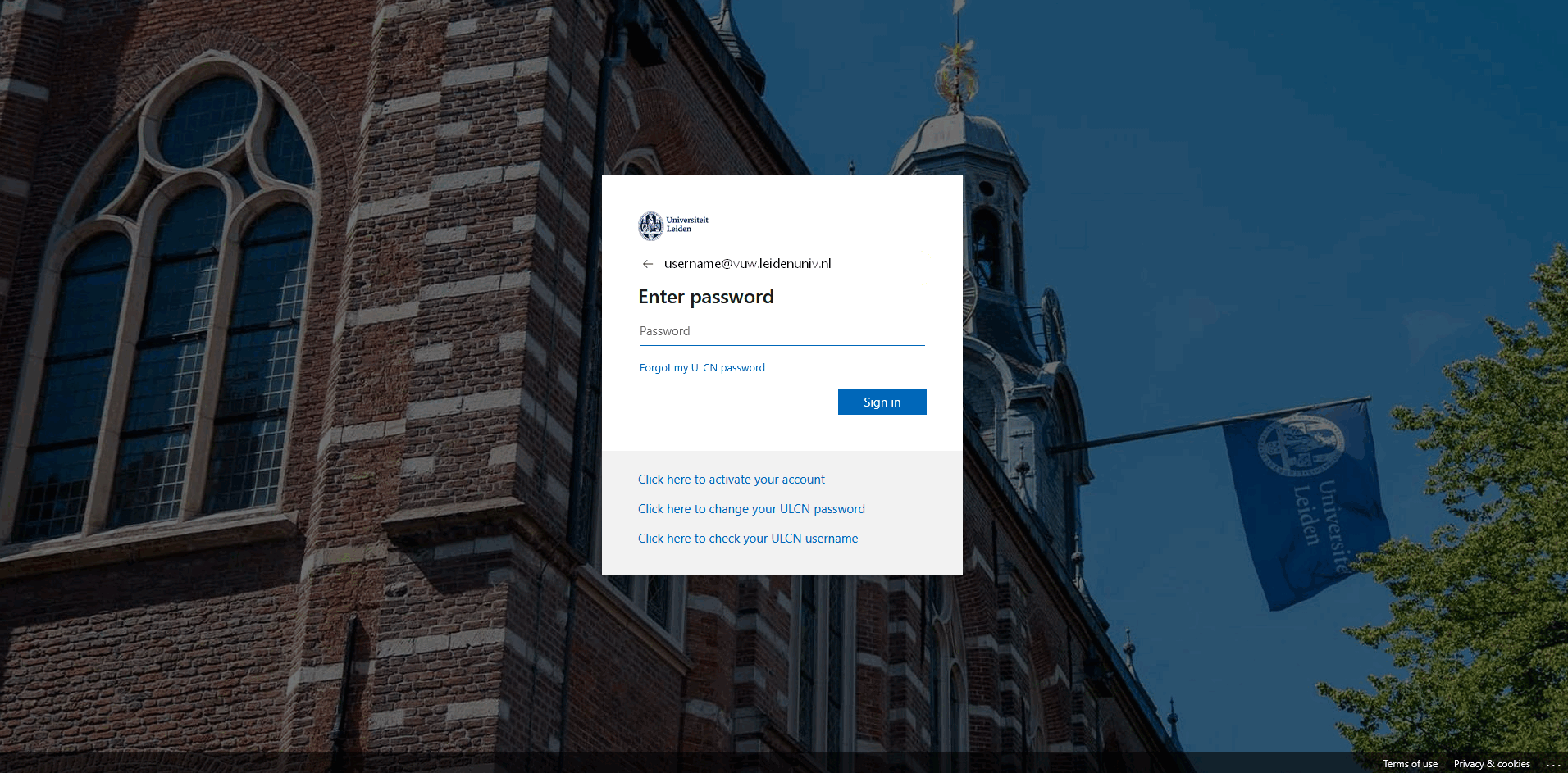
On the following screen, enter your password